How it works
Everything your family needs to see, at a glance.
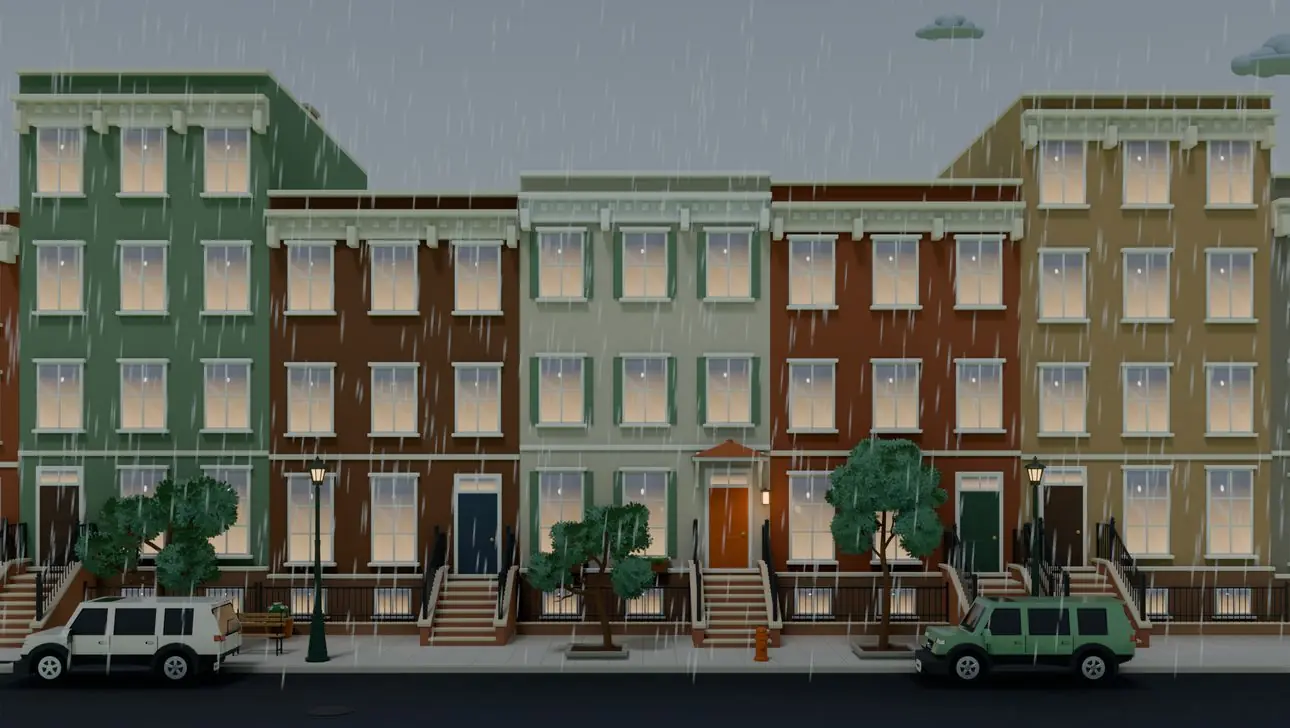
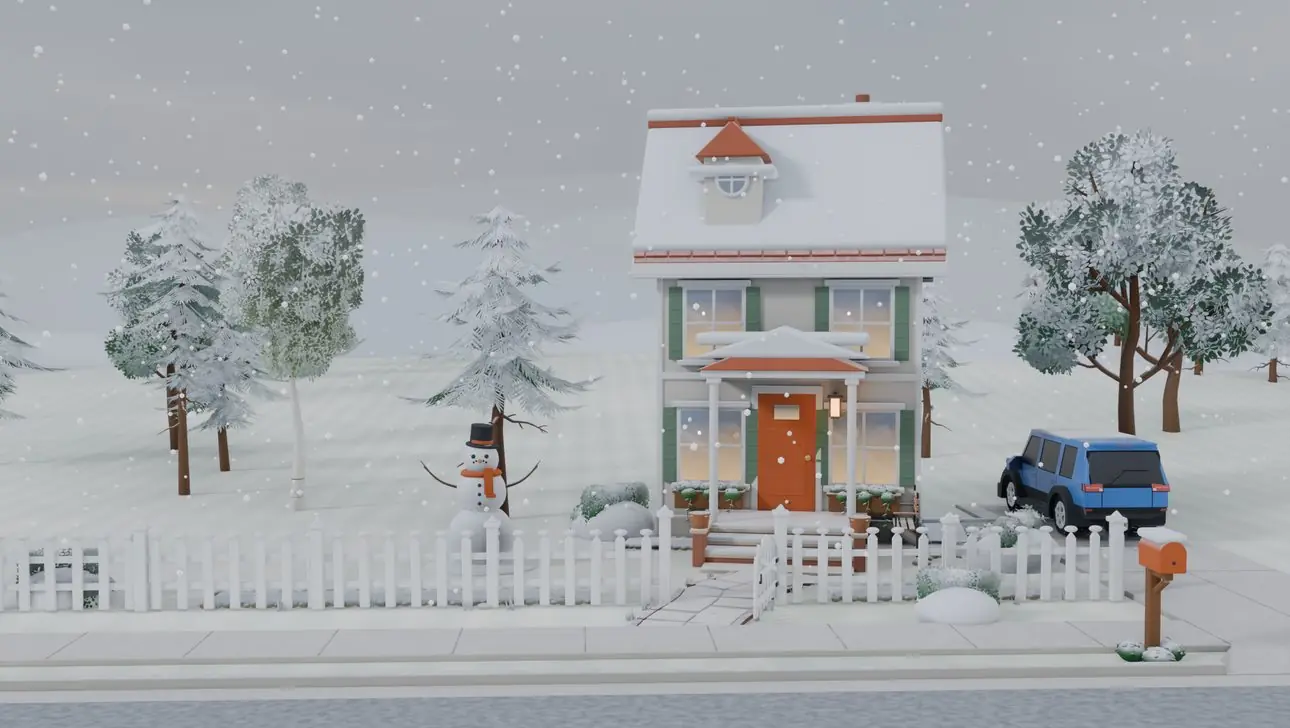
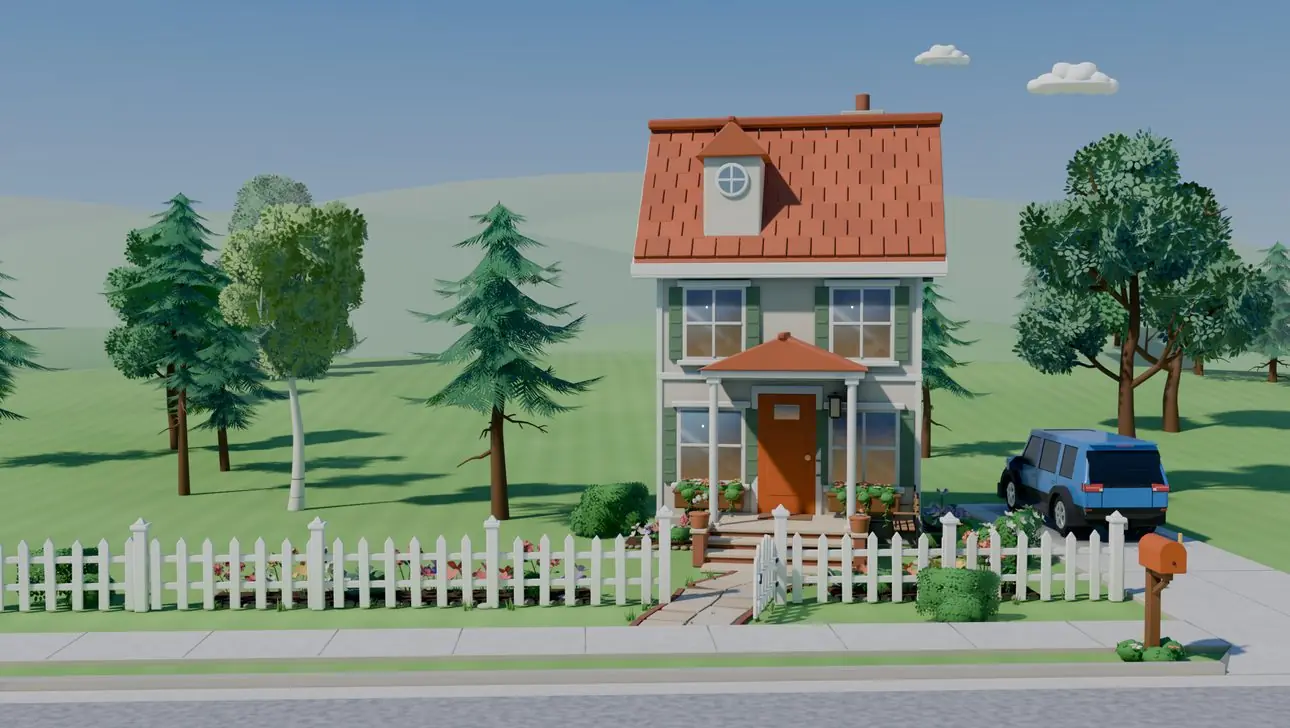
BRYKK puts each person in a little scene of where they are. Here is what that looks like across the app, your Lock Screen, your car and your TV.
The Family page
Everyone on a map, everyone in their scene.
The Family tab opens on a live map of everyone, with their faces. Pull up the list below it and each person has a card with their scene.
Each card has a short status like At home · 1 hr and one plain line. Whoever is driving goes to the top, with their speed and when they'll arrive.
When a location gets old, the card says so plainly, instead of pretending.

Each person's page
Tap anyone to see their day.
Every person has their own page: where they are, how long they've been there, and what their day has looked like.
- Message, call or get directions in one tap
- Choose which of their arrivals and departures you hear about
- Safety nearby: the closest police, fire station and hospital

Places
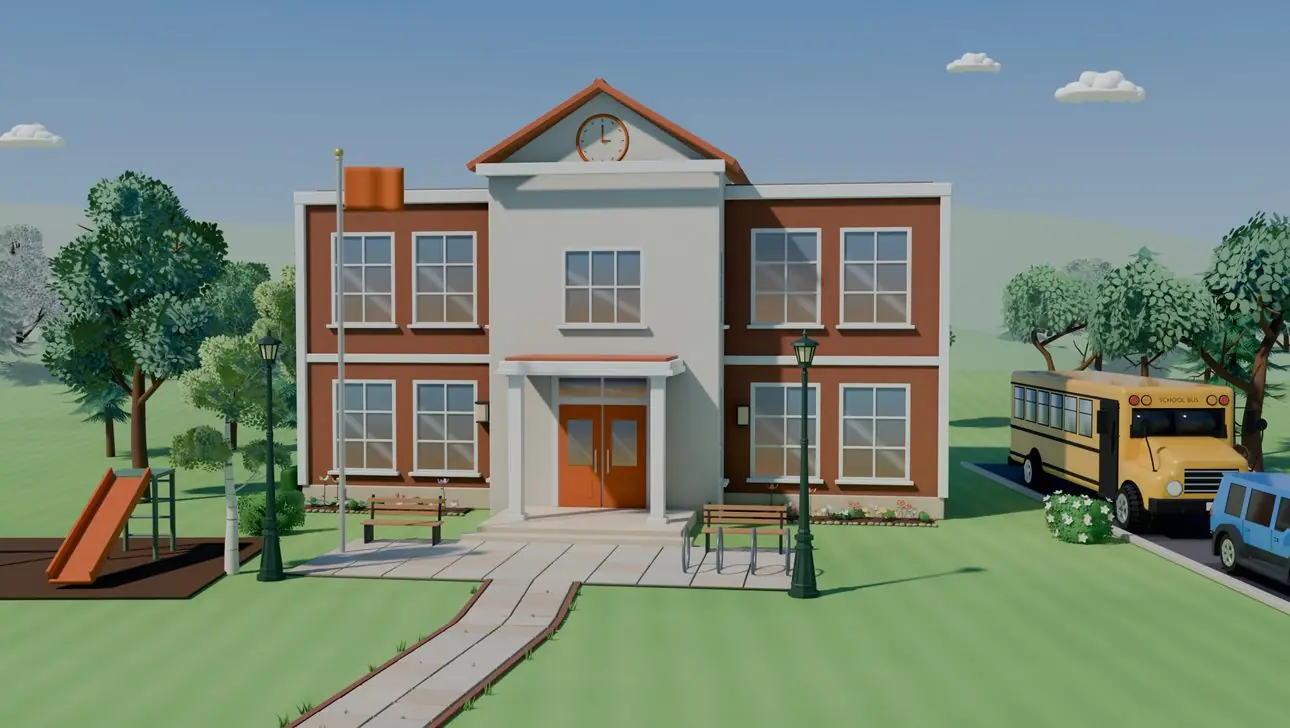
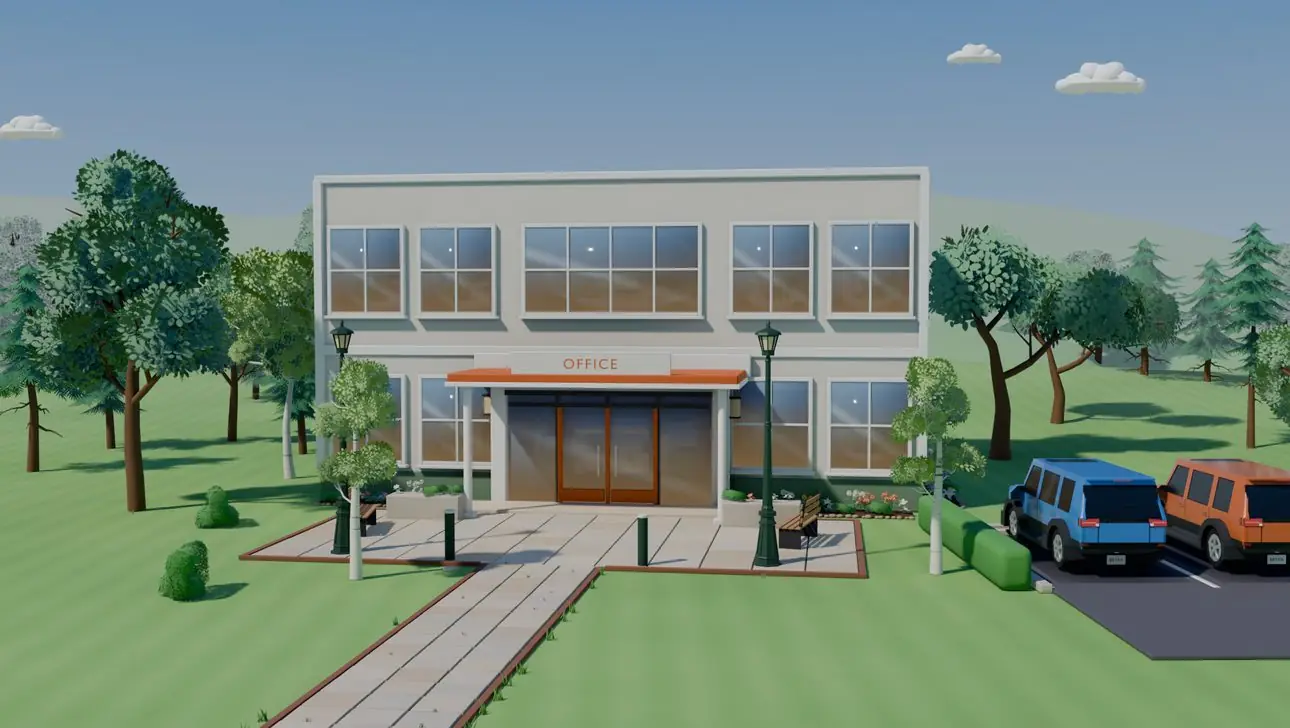
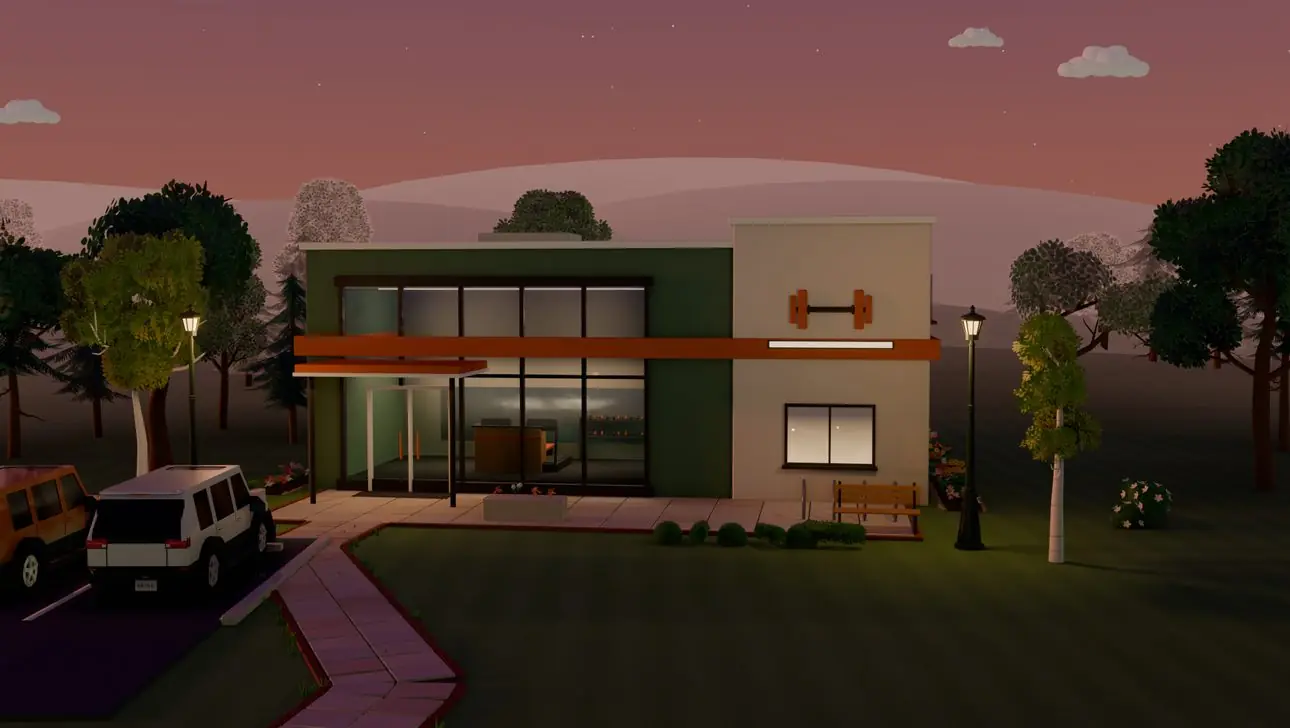
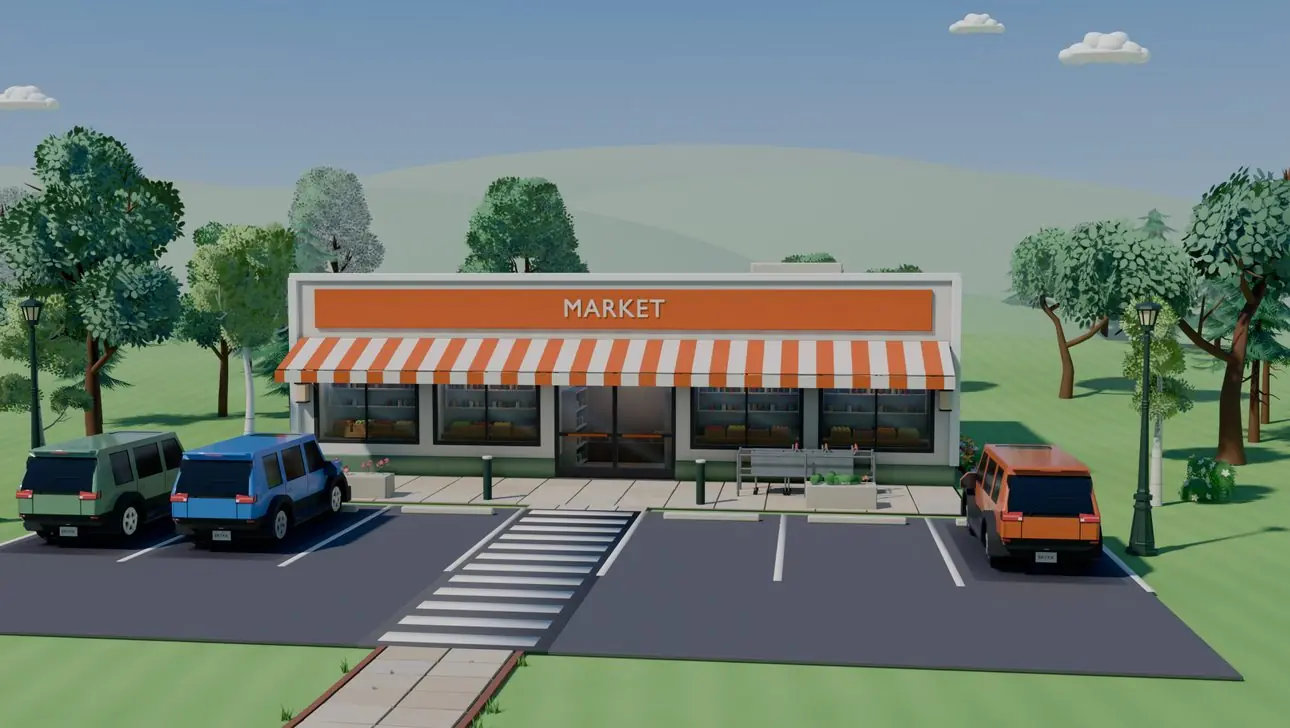
Home, school, work, practice.
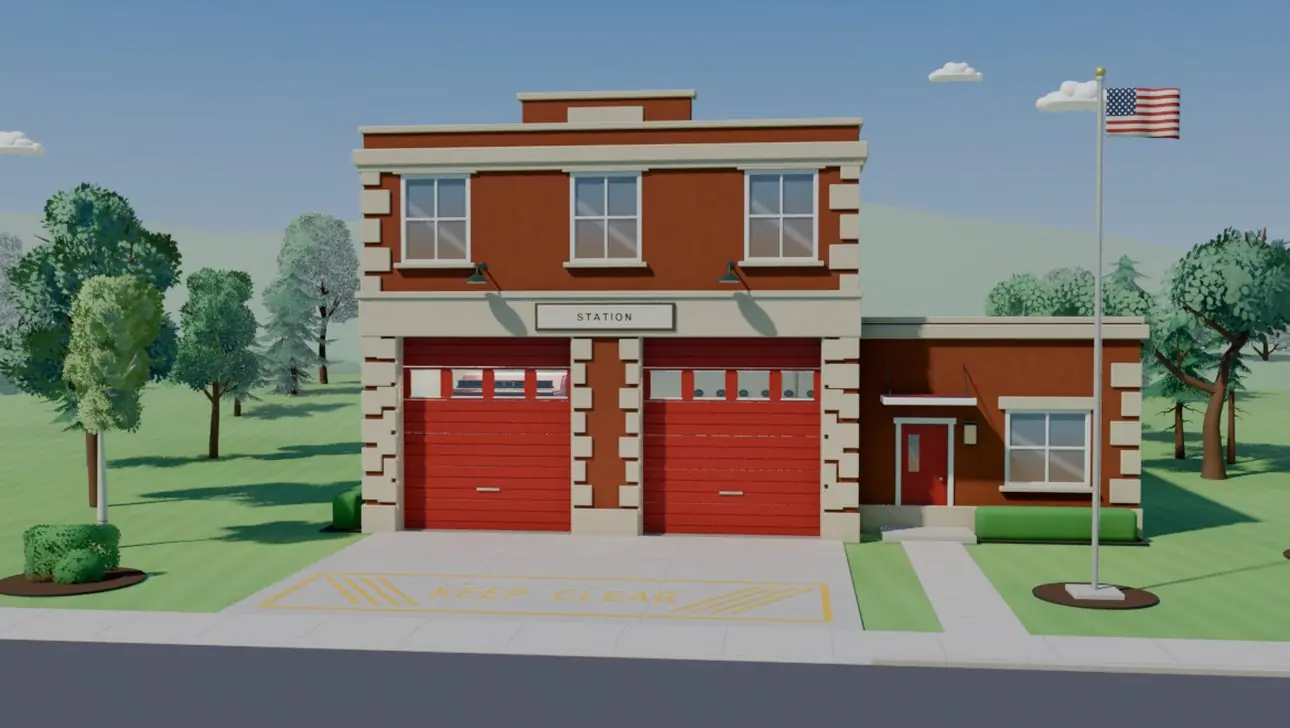
Save the places your family goes. BRYKK tells you when someone gets there or heads out, and shows each place as its own scene.
Free families get 2 saved places. BRYKK Life gives you 50.


Drives
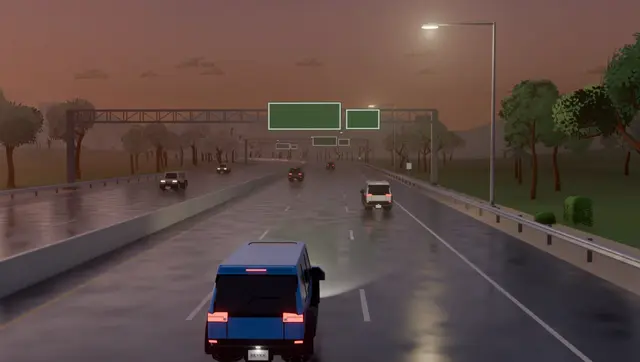
The scene matches the road they're on.
On the highway, it looks like a highway. On a quiet street, it looks like a quiet street. Day, dusk, night or rain, the light matches theirs. Later, you can look back at past drives in trip history.
Read about drives and arrival times
 MomHeading home · arrives 5:52 PM

 DadTo school · arrives 3:18 PM

 GrandmaHeading home · arrives 6:20 PM

 AvaHeading home · arrives 6:10 PM
Traffic
Traffic and trouble on their way.
When someone is driving, the live map colors the road clear, slow or heavy.
If there's a lane closed, a stalled car or a collision ahead of them, BRYKK says so in plain words: which lane, and how far ahead. Their drive scene shows it too.
Live traffic in Kansas City and across Missouri.
 MomOn I-49 S · right lane closed ahead

Widgets and Lock Screen
Know without opening the app.
When someone drives, their trip shows on your Lock Screen and in the Dynamic Island. Arrivals and departures come as short, plain notes.
- Family widgets for your Home Screen
- Pin one person to a widget to keep them close
- Lock Screen widgets that show who's on the way
Thursday, October 29
8:05


CarPlay
Your family, on the dashboard.
BRYKK for CarPlay is built and waiting on Apple's approval. When it's ready, you'll see who's settled, who's on the road and any SOS, right on your car's screen.
We'll say so here, and in the app, the day it arrives.


Preview of the CarPlay screens. Not available yet.
Apple TV
The family wall for the living room.
Put your family on the big screen: everyone's scene, live drives and when they'll be home, who's together, the weather and radar where they are, and each person's trips to replay.
Read and send family messages from the couch. Phones see them from the TV, like “Riley · Apple TV”.
The TV wall is part of BRYKK Life, and it's on TestFlight now. The TV never shares a location; check-ins and SOS stay on your phone.


Shown with the sample family. The people and the storm are made up.
Weather
The weather where they are.
Each scene shows the sky over that person: sun, rain or snow. Radar shows rain coming toward your family, and severe weather warnings for where each person is are always free.
Free shows the next 3 days. BRYKK Life adds the 7-day forecast and the weather where each person in your family is.